Your next server, a tap away.
Browse public servers or import your own private configurations. Choose the location and setup that work for you.
01 / SERVER CHOICEChoose your server. Find your tunnel mode. Keep your connection in view—all from one Android app.
Your servers, tunnel modes, and connection details. In one place, within reach.
Browse public servers or import your own private configurations. Choose the location and setup that work for you.
01 / SERVER CHOICESwitch between supported tunnel protocols and payloads. Keep the controls you need close without digging through menus.
02 / TUNNEL MODESFollow your upload and download traffic, review connection logs, and check your session’s usage in the app.
03 / TRAFFIC & LOGSSSH tunnel and payload configurations
OpenVPN connections and transport options
VLESS, VMess, and Trojan configurations
DNS tunnel setups on supported servers
UDP transport on supported servers
WebSocket transport for compatible setups
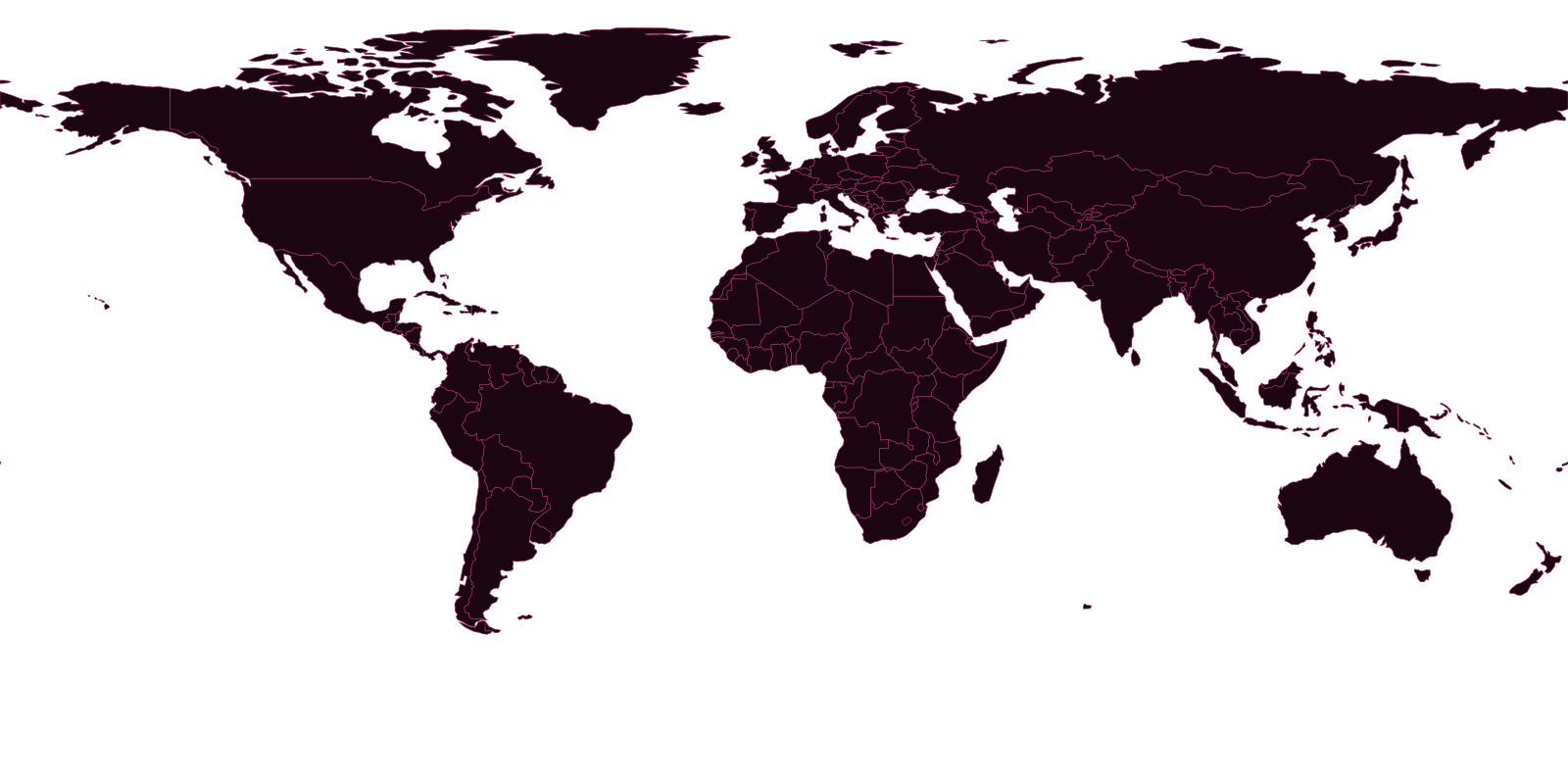
Explore the countries in our public server list. Current availability is shown in the app.
Dots mark server locations: green when at least one server is online, red when all are offline. Lines connect nearby country labels. Swipe the map to explore countries.
A few choices, then you’re ready to connect.
Download the Android app from Google Play and open it to get started.
Choose a public server or import your configuration, then select a compatible tunnel mode.
Connect and follow your session’s traffic. Check the logs if your setup needs a closer look.
Find setup guidance and updates through the XJ VPN Telegram link.
Open TelegramUse the Google Play buttons on this page to open the official XJ VPN Android app listing.
Yes. The app supports client imports alongside the public server list. Your configuration must match a tunnel mode supported by the app.
The map groups public servers by country. Each label shows available servers out of the country’s total. Dots mark the geolocated server positions.
Yes. VPN traffic still travels over your mobile or Wi-Fi connection. Browsing, background activity, and manual speed tests can use your data allowance.